|
Ordering at the Blue Diamond Online Store is fast and secure.
Click here
to learn more about our security guarantee. Follow these simple
steps to place your order:
- Order a Featured
Item on the Shop Online page:
Click on the featured product you wish to order, this takes
you to that product's page, then enter your quantity to
order and click the 'Add to Cart' button. This adds
the featured product to your shopping cart and takes you
to the Shopping Cart page where you can Continue Shopping,
Update your quantities, or Proceed to checkout.
- Order Items from Nuts, Gift
Items & Natural Foods:
- Find what you want to buy:
On the Online Store home page under the heading "Shop
for Products", click on the category (Nuts, Gift Items,
or Natural Foods) from which you wish to order. This
menu is located on the right side of the Shop Online
Home Page. This will take you to the chosen product
category page.
Try our Search button to find a product such as "Smokehouse".
- Enter the quantities:
On the product page (such as Nuts), enter the quantity
of each product you wish to order, and click the 'Add
to Cart' button. You do not have to click the 'Add
to Cart' button multiple times for items ordered.
Just type in your quantities for all items you want
to order from the page and then press
'Add' one time. This adds the chosen item
or items to your shopping cart, and takes you to the
Shopping Cart page. (In your Cart, you can update quantities
by changing the quantity and clicking the 'Update
Order' button.)
- If you want more details about a product:
Click on the item title or image. This will take you
to a detailed Product page. You can order from this
page by entering the quantity of each product size you
wish to order, and clicking the 'Add to Cart'
button once. This adds the chosen items to your shopping
cart and takes you to the Shopping Cart page. (In your
Cart, you can update quantities by changing the quantity
and clicking the 'Update Order' button.)
- On the Shopping Cart page:
- If you wish to continue shopping,
click the 'Continue Shopping' button and
repeat instructions as above.
- If you wish to change your order
quantities, enter the desired quantity and click
the 'Update Order' button.
- If you are done shopping, click
the 'Checkout' button
to proceed to checkout.
- If you want to get an estimate
of your shipping cost prior to checkout, merely
click on the text at the end of the line that reads
"To calculate shipping costs of your selections
prior to check out Click Here." This opens
a small window where you can get an estimate of
your shipping charges that is based on what you
have in your cart plus where you live.
- Checkout:
Fill out the information requested on the order form.
Required fields are designated with a red check mark.
These must be filled in to place an order. Note that,
if you are shipping to your own address, there is a
check box called "Use same address as contact information".
You can check it and save time by not having to complete
the address to ship to.
If you check the box called "Save Information for
Future Orders", your contact information will be
saved and pre-populated into this form when you return.
Your shipping and credit card information will not be
saved. This makes future ordering simpler by not having
to re-enter this information. If you click on the question
mark ("?"), a window will open to explain this
item.
If you want to have a gift message enclosed with your
order, just put your message in the box on this page.
Click the 'Continue' button to submit the information.
This will take you to the final order page and give
you a chance to review your information. Your order
has not been submitted yet.
Please verify that all information is correct. If you
need to make changes to your order information, click
the 'Back' button and make the appropriate changes
to your information.
Once you are satisfied with your order, click
the 'Complete Order' button
to submit your order. You are done; your
order has now been sent to us. An e-mail will be sent
to you verifying that we have received your order. An
additional e-mail will be sent when your order has been
shipped (this one contains your UPS tracking number
if you want to check on the delivery status).
Note: If you have any questions about ordering online,
you may call our Customer Service Representatives at (800)
987-2329 Monday-Friday 7:30am - 3:30pm Pacific Time, excluding
holidays. You may also send them an e-mail by clicking here:
customerservice@bdgrowers.com
|
|

|
|

|

|

|

|

|

|
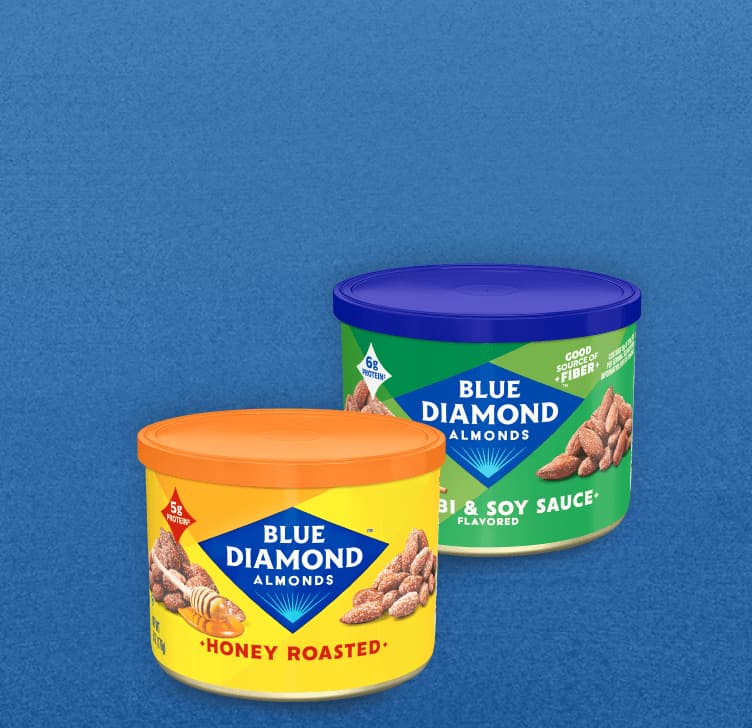
Enjoy premium grade nuts, packed in convenient containers.
|

|

|

|

|
Our most popular assortments of almonds available in gift packages.
|

|

|

|

|
For health conscious consumers try our Nut Thins® products.
|

|

|

|

|
For order instructions, customer service, privacy and shipping policy.
|

|

|

|

|
Use this search to find products throughout the entire Online Store.
|

|

|
|